


More Church Ministries…
-
![]()
Church Van
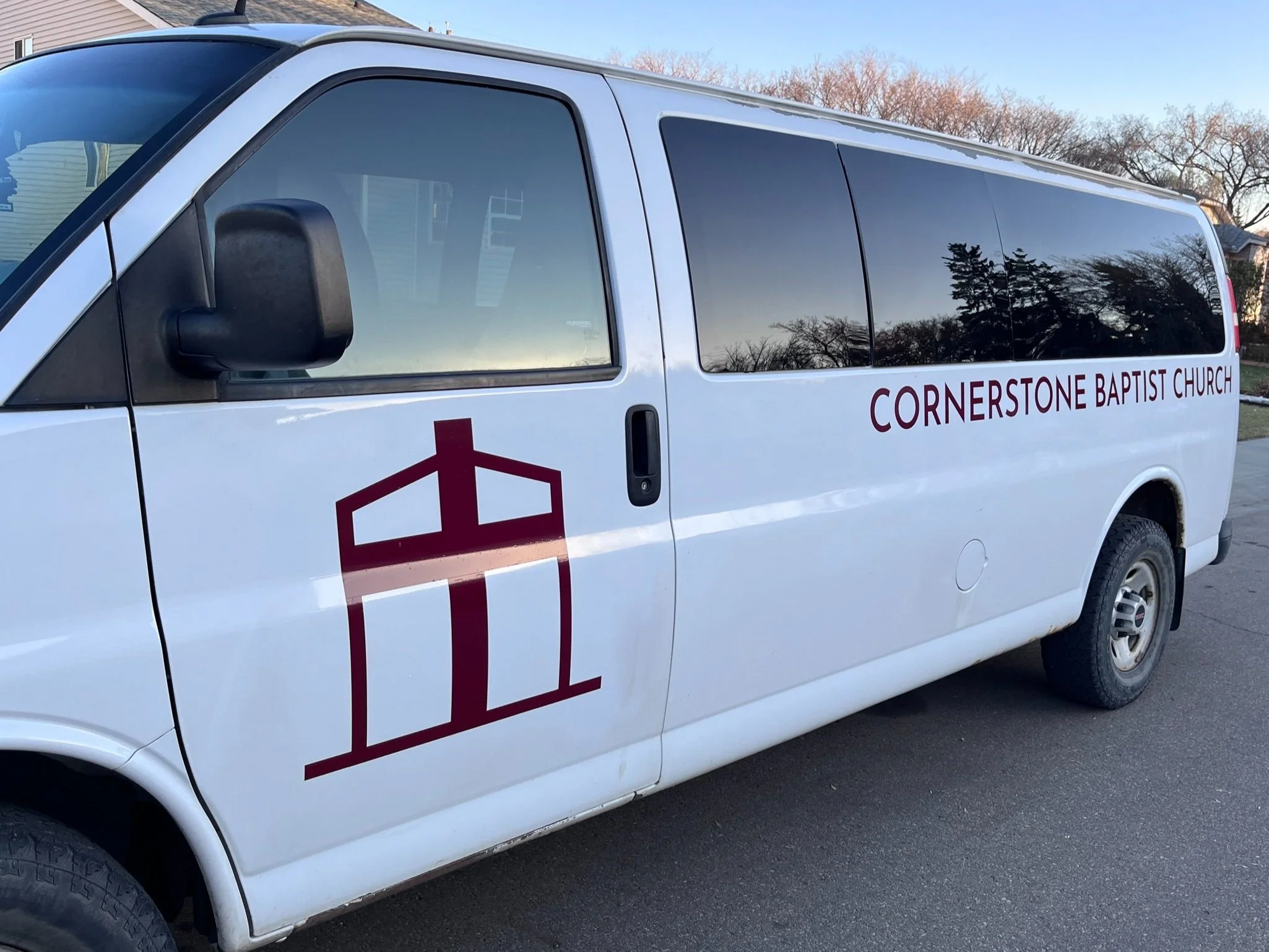
Our church van goes out weekly to pick up those who do not have a way to get to church. Use the form linked below to contact the van ministry director to schedule a ride for Sunday.
-
![]()
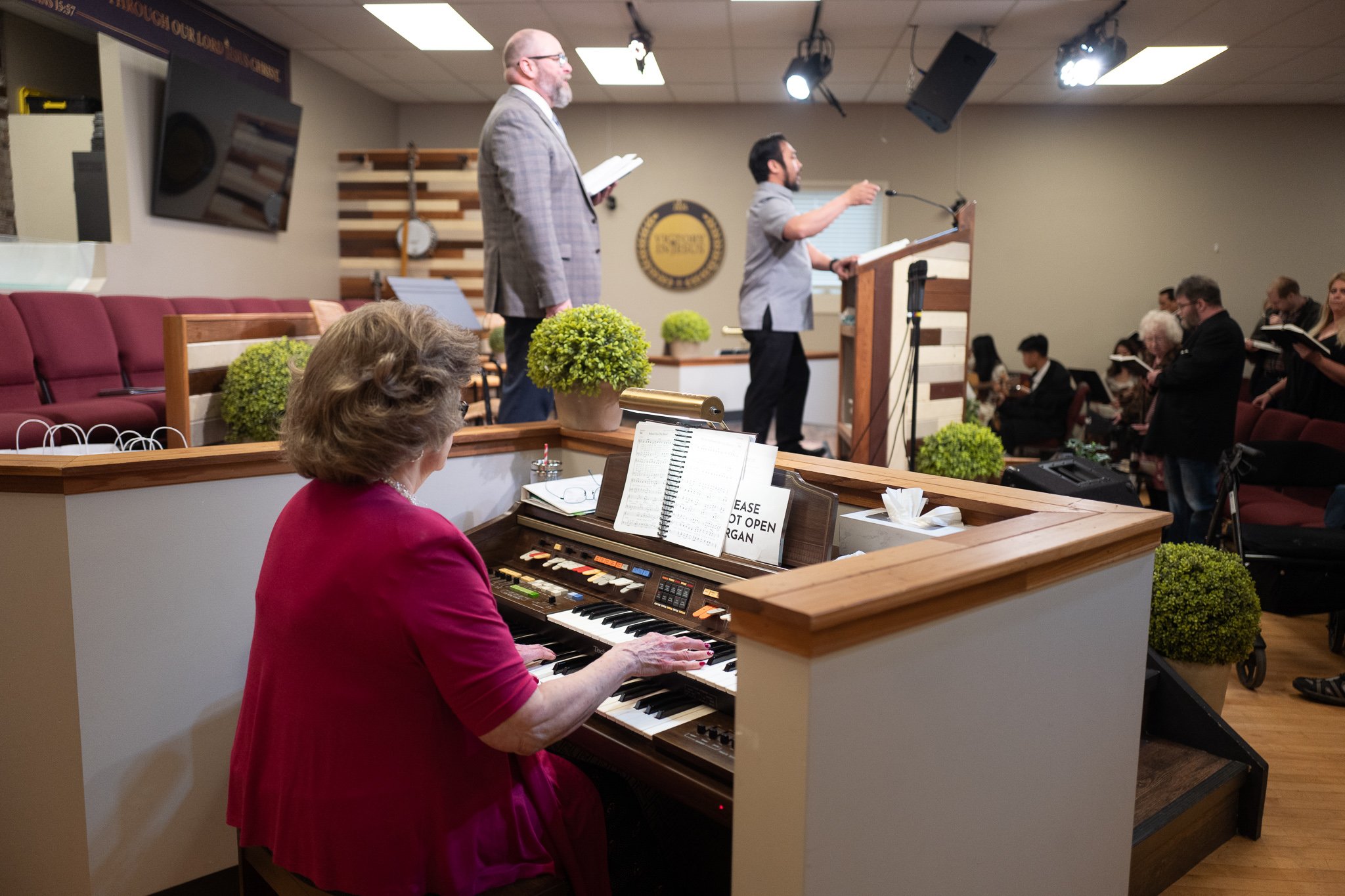
Sunday Morning Worship
Our Morning worship service meets at 11:15 AM after our Sunday School hour at 10:00 AM. Join us for a time of singing and Bible preaching.
-
![]()
Sunday Afternoon Worship
The Sunday afternoon service meets at 4:00 PM (2 PM on the first Sunday of each month). It is a time to give praise to God. We do this through singing and sharing praise reports.
-
![]()
Wednesday Prayer and Bible Study
Join us on Wednesdays at 7:00 PM for a time of prayer and Bible study as Pastor Brian Rice teaches from the Book of Acts.
-
![]()
Men's Prayer Breakfast
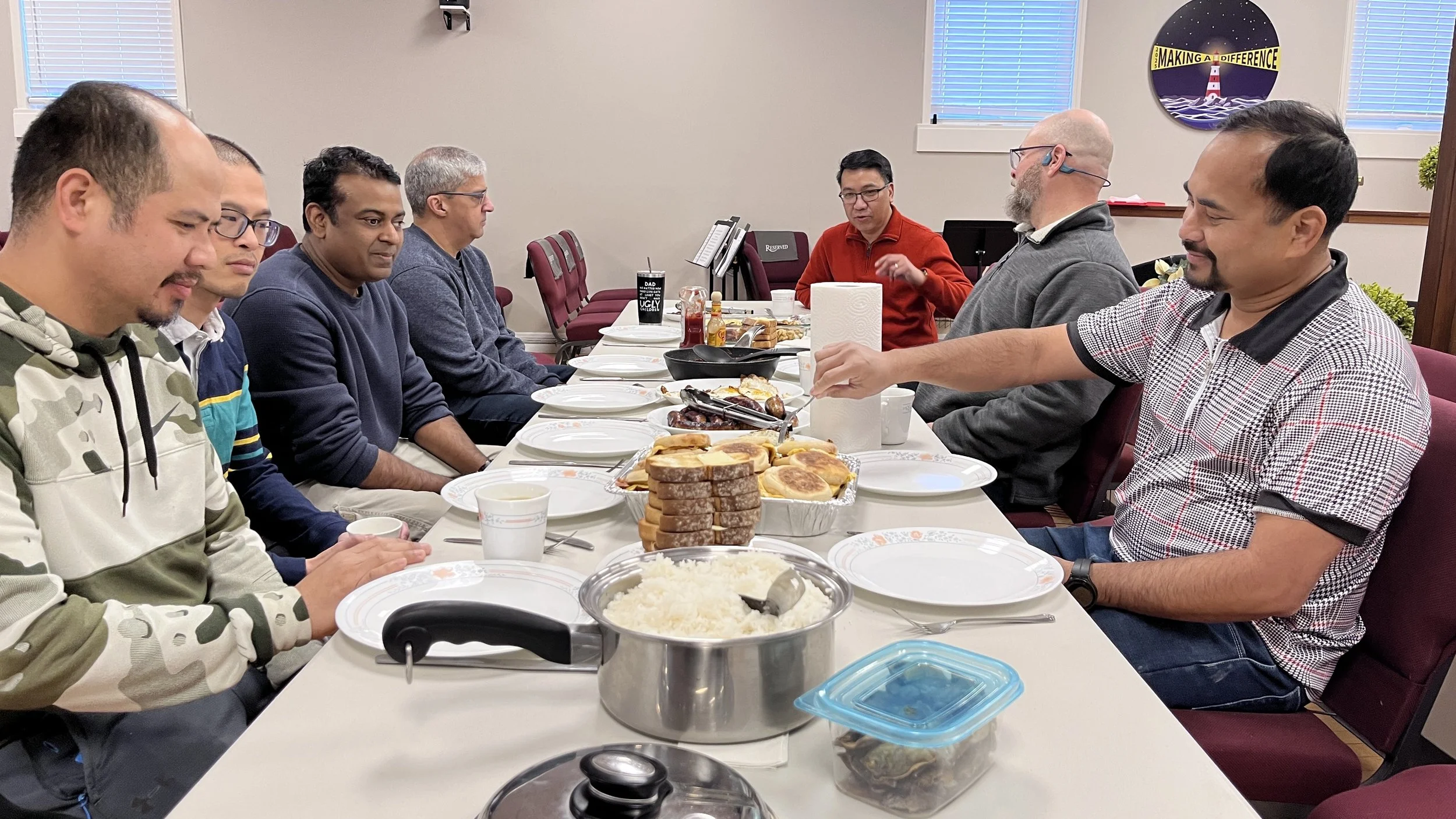
Our men’s prayer breakfast meets quarterly at 9:00 AM. Men bring food to cook and then share a breakfast together. Afterwards they share prayer requests and spend time praying for the needs shared. Click below to see upcoming dates.
-
![]()
Youth Involved
Youth Involved is our ministry for teens ages 12-19. Teens usually meet every month on the Friday before the third Sunday for an activity. Activities vary, but always include a Bible challenge time shared by Bro. Coleton Visser.
Also, on the second Sunday of each month, the teens lead the afternoon service.
-
![]()
Community Outreach
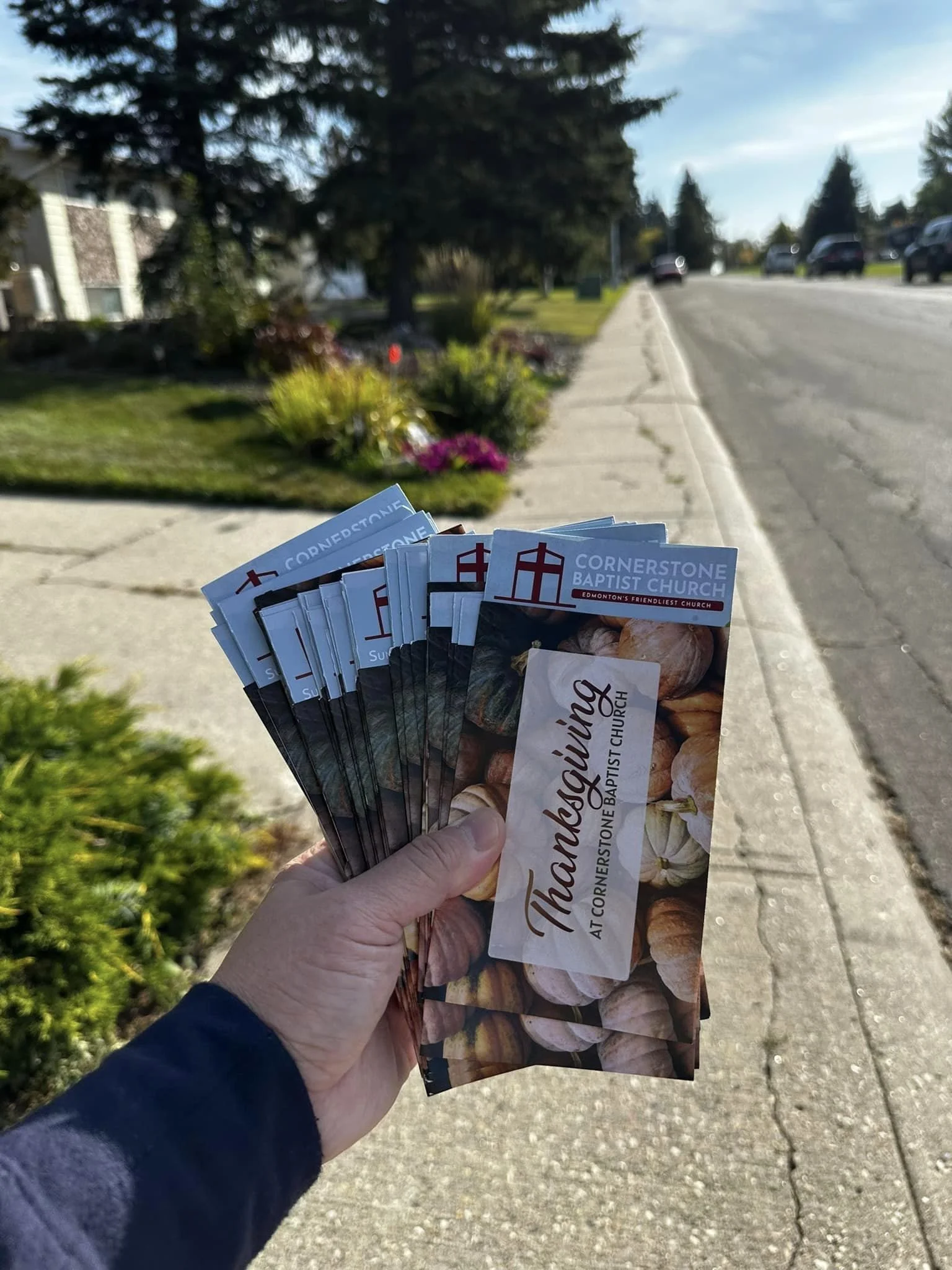
We meet on the first month as a church to reach our community with the message of the gospel. Afterwards, we meet back at the church to have a lunch meal. During this time we go out in pairs into our community to share the gospel with people we meet at their house and on the street.
-
![]()
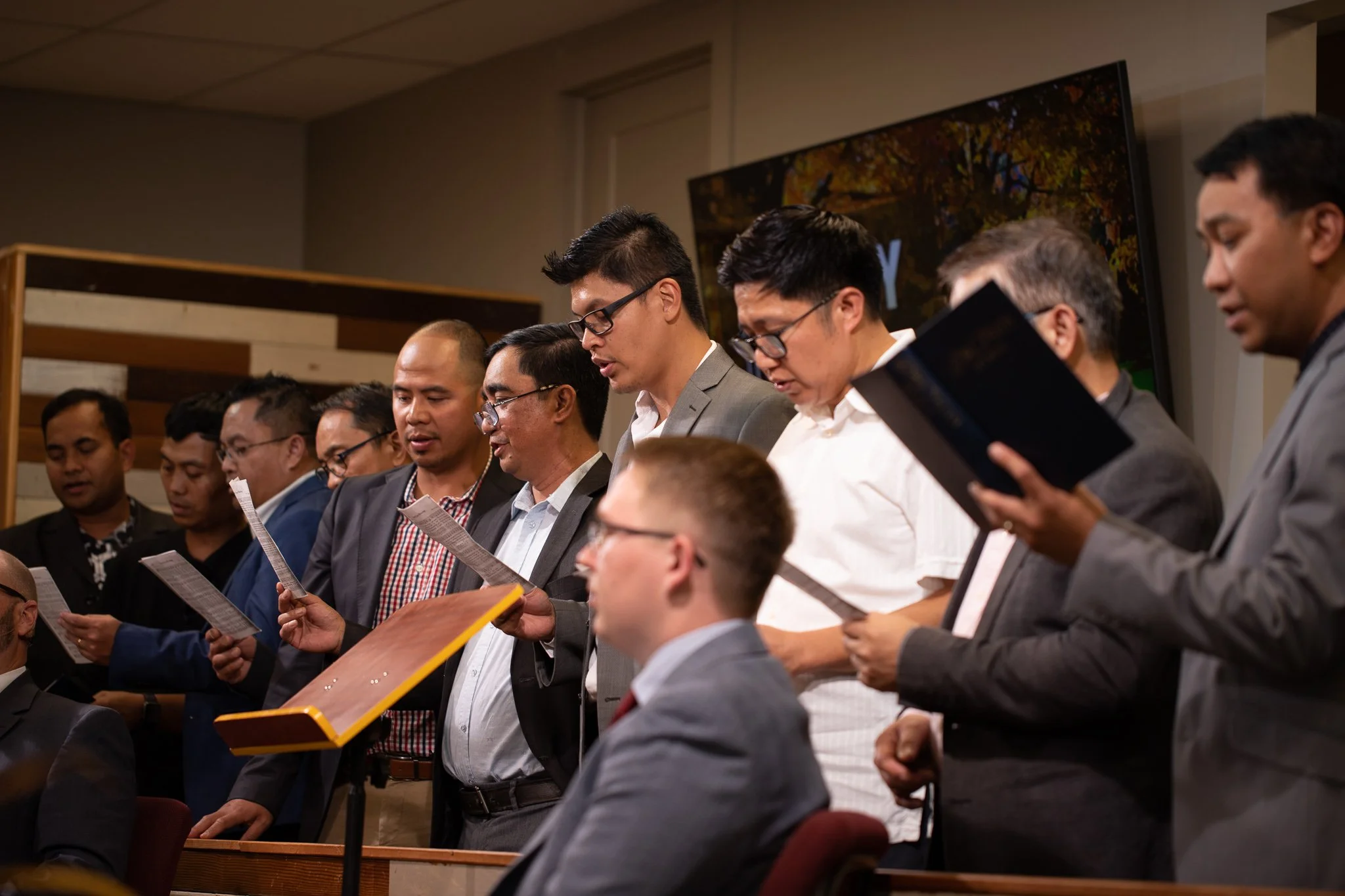
Choir
Our choir sings during the morning service at 11:15 AM, and is lead by Bro. Mark Ocampo.
-
![]()
Orchestra
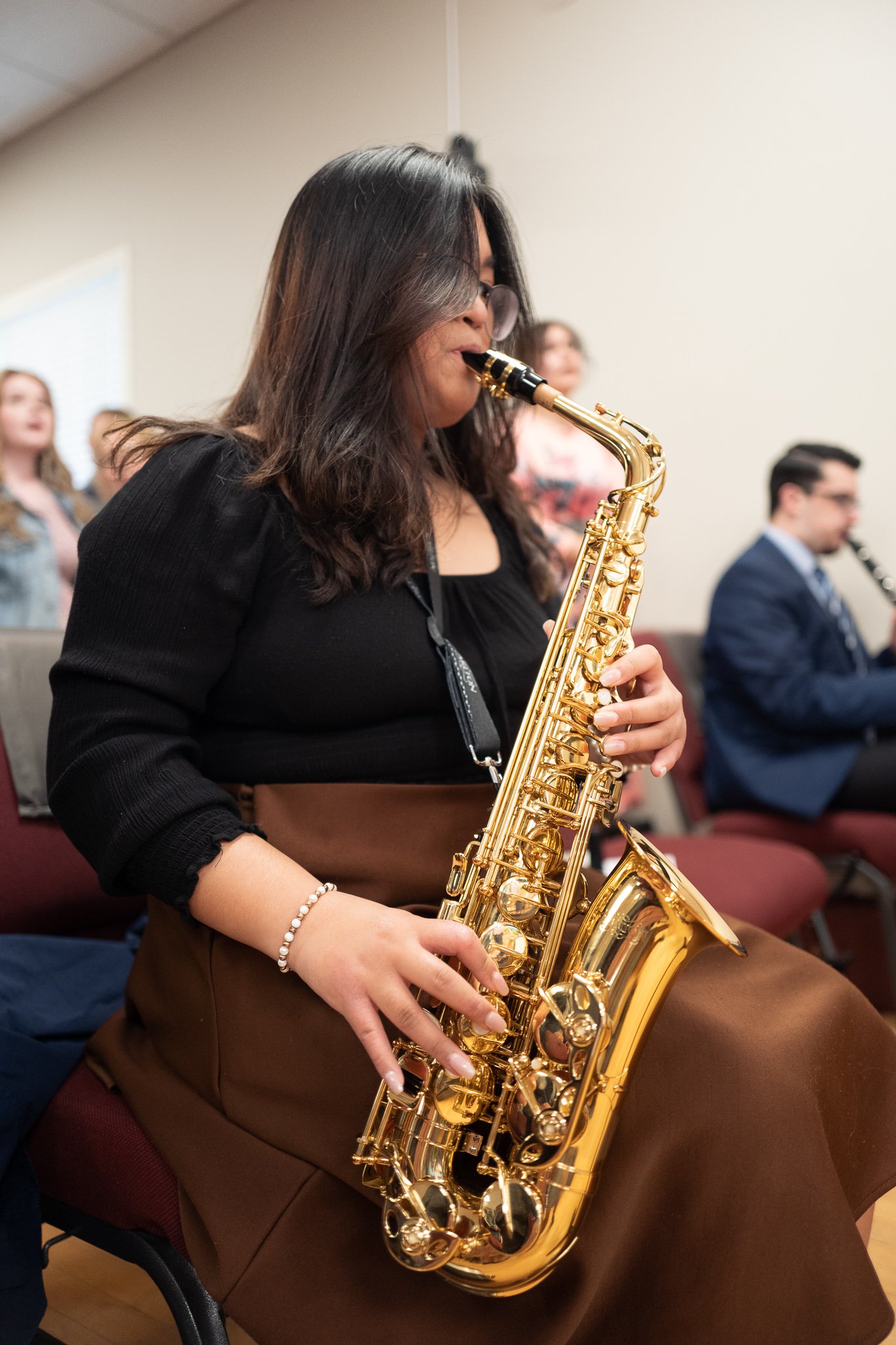
During our Sunday morning and afternoon services musicians in our church play their instruments during the congregational singing.
-
![]()
Preachers' And Workers' Conference
Once a year we host the Preachers’ and Workers’ Conference. This event is for anyone involved in the ministry of the church, whether it be as a volunteer or full-time.
The next conference meets on June 1-3, 2027.
-
![]()
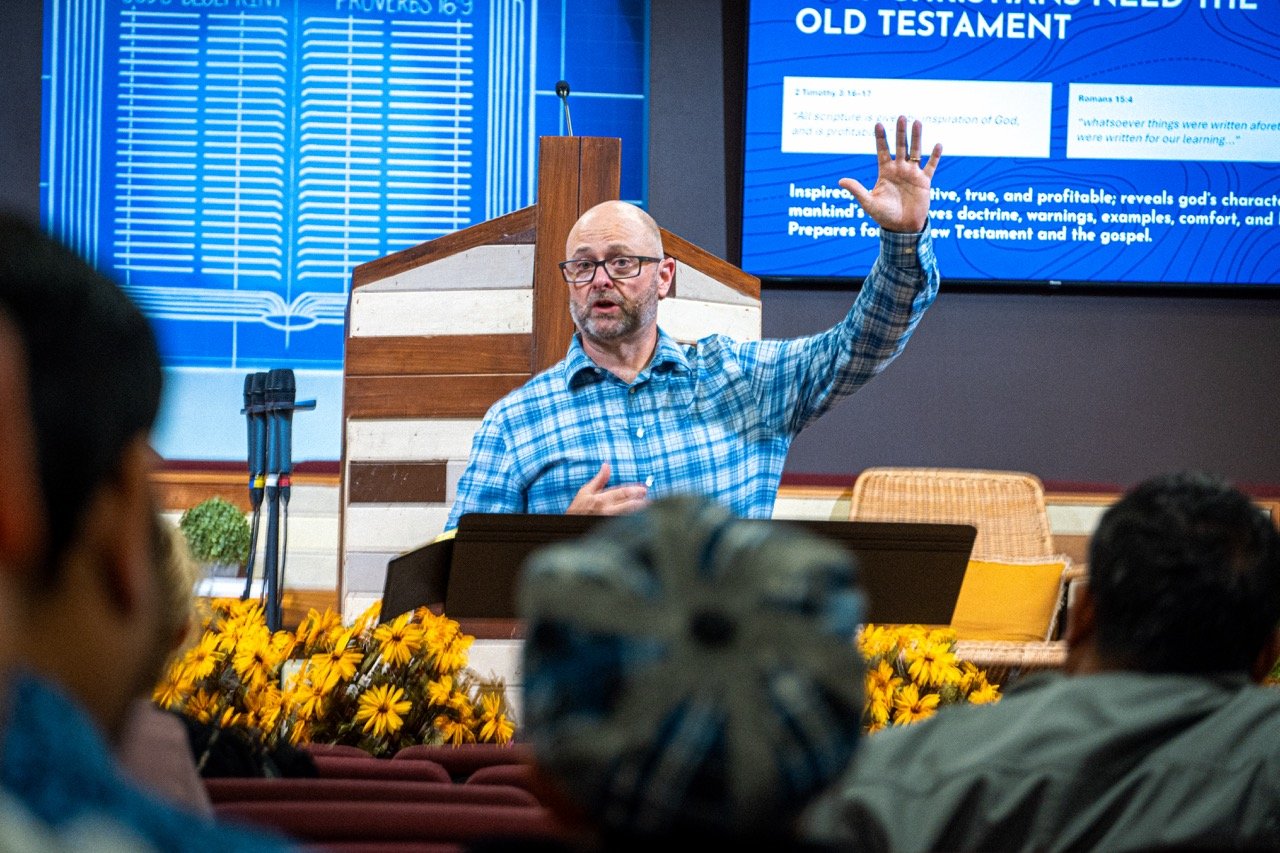
Cornerstone Baptist School of Ministry
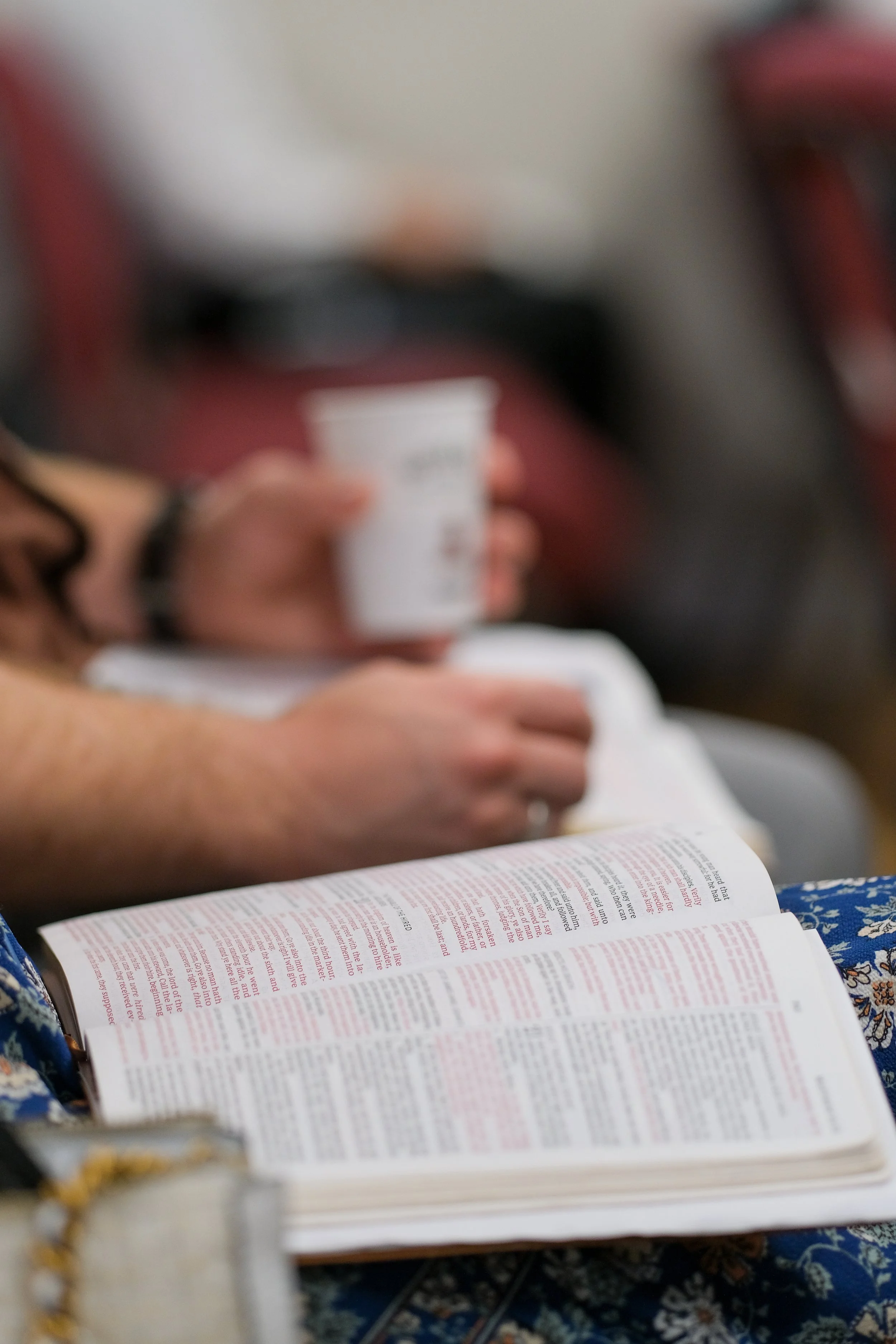
Every Tuesday students of the Cornerstone Baptist School of Ministry meet in the evenings to learn more about God’s Word, and serving in ministry. This goal of this school is to train ministry leaders who “teach others also.”



Sunday Schools
-
![]()
Adult Sunday School
Our regular adult Sunday School meets in the main auditorium at 10 am and is taught by Pastor Brian Rice.
-
![]()
Teen Sunday School
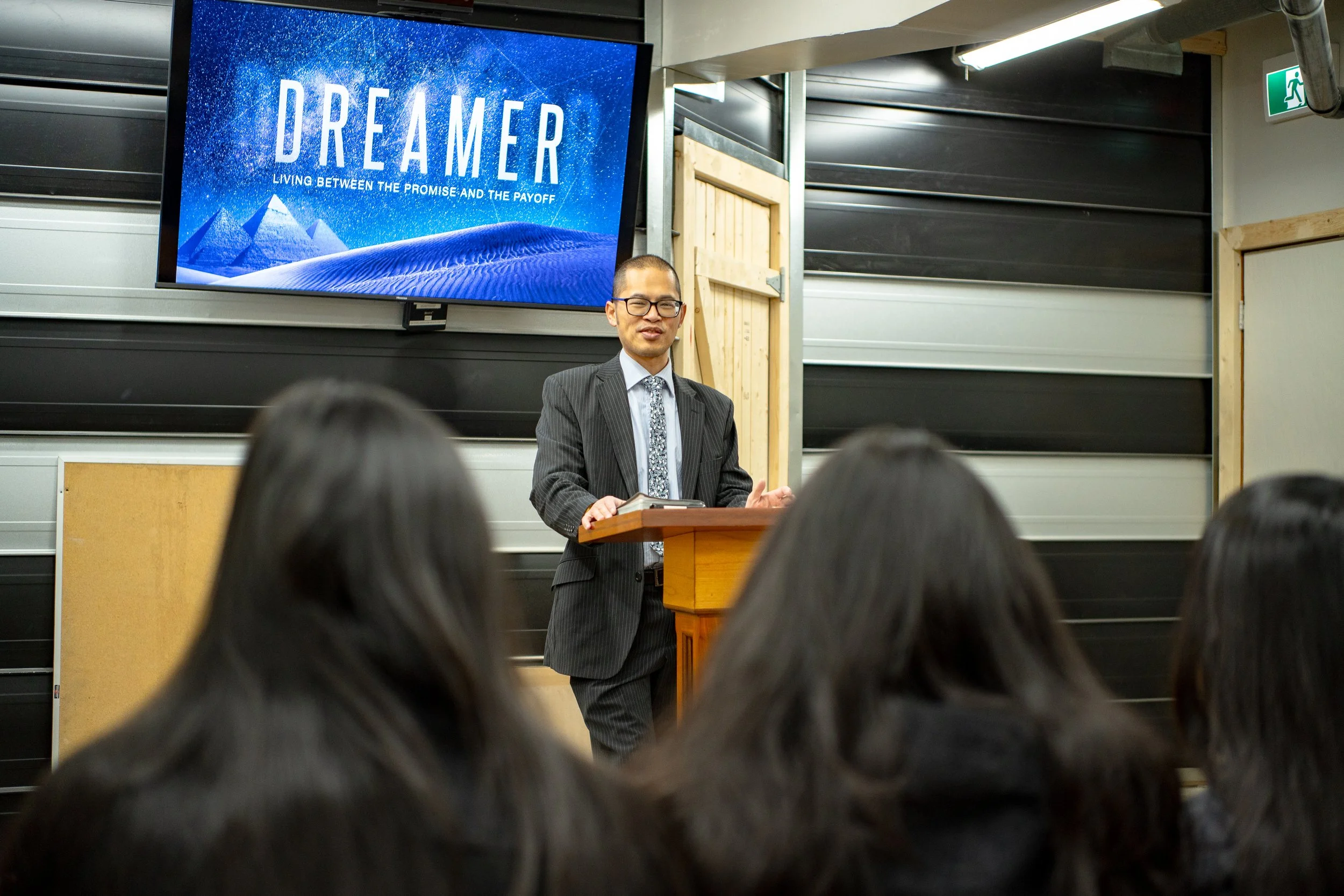
Our teen Sunday School now meets in the basement (accessible through the rear of the building, through the kitchen) and is currently taught by Martin and Nicole Chiu.
-
![]()
Primary Children's Sunday School
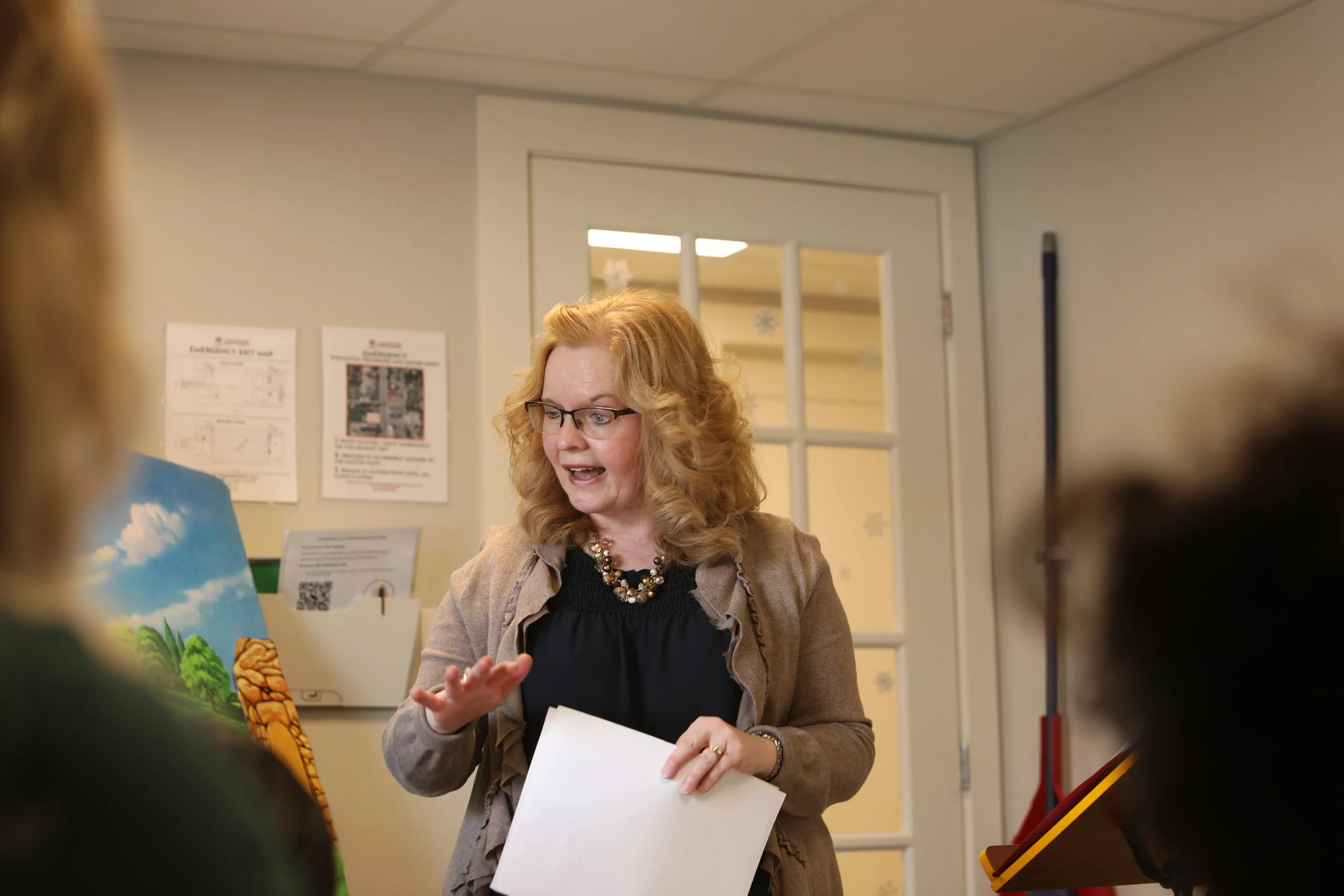
Our Primary Children’s Sunday School class meets every Sunday in the west children’s classroom (room 202) and is taught by Mrs. Carrie Rice. She teaches engaging Bible lessons with a series entitled “Through the Bible in Felt” by Betty Lukens.
-
![]()
Junior Children's Sunday School
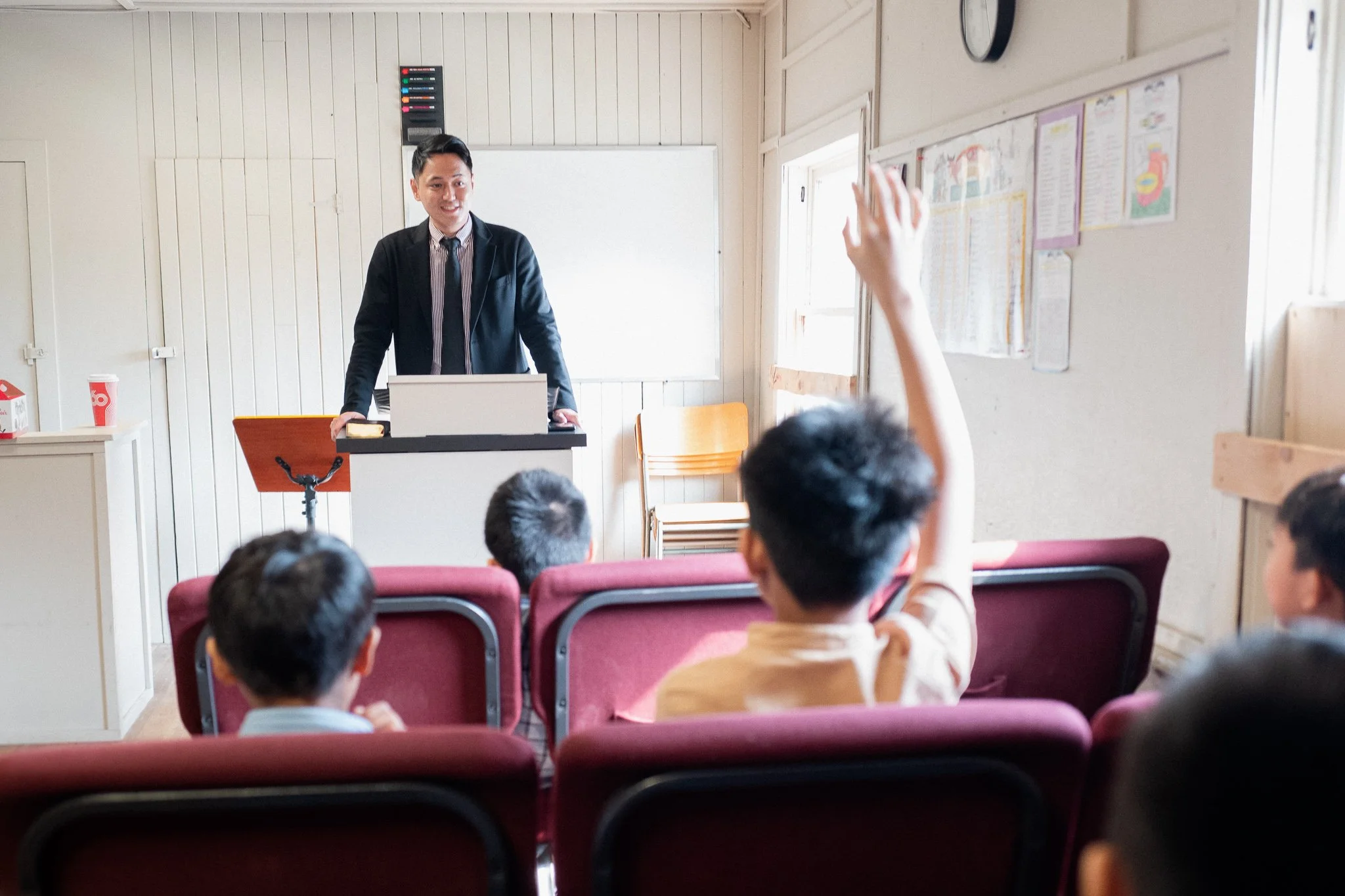
Our Junior Children’s Sunday School class (grades 3-6) meets every Sunday in the east children’s classroom (room 203) and is taught by John and Liz Russell. They teach engaging Bible lessons from various parts of the Bible each week.
-
![]()
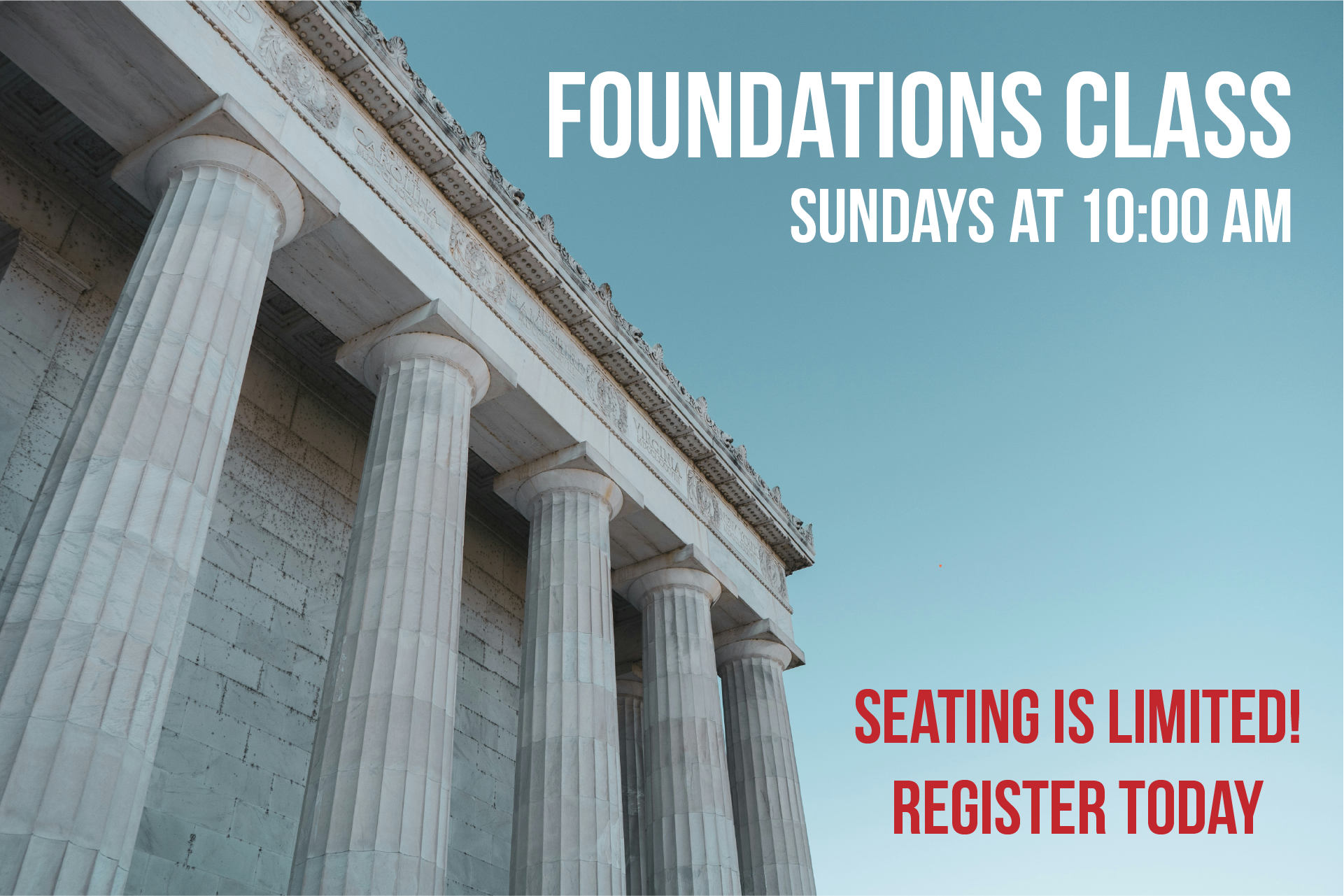
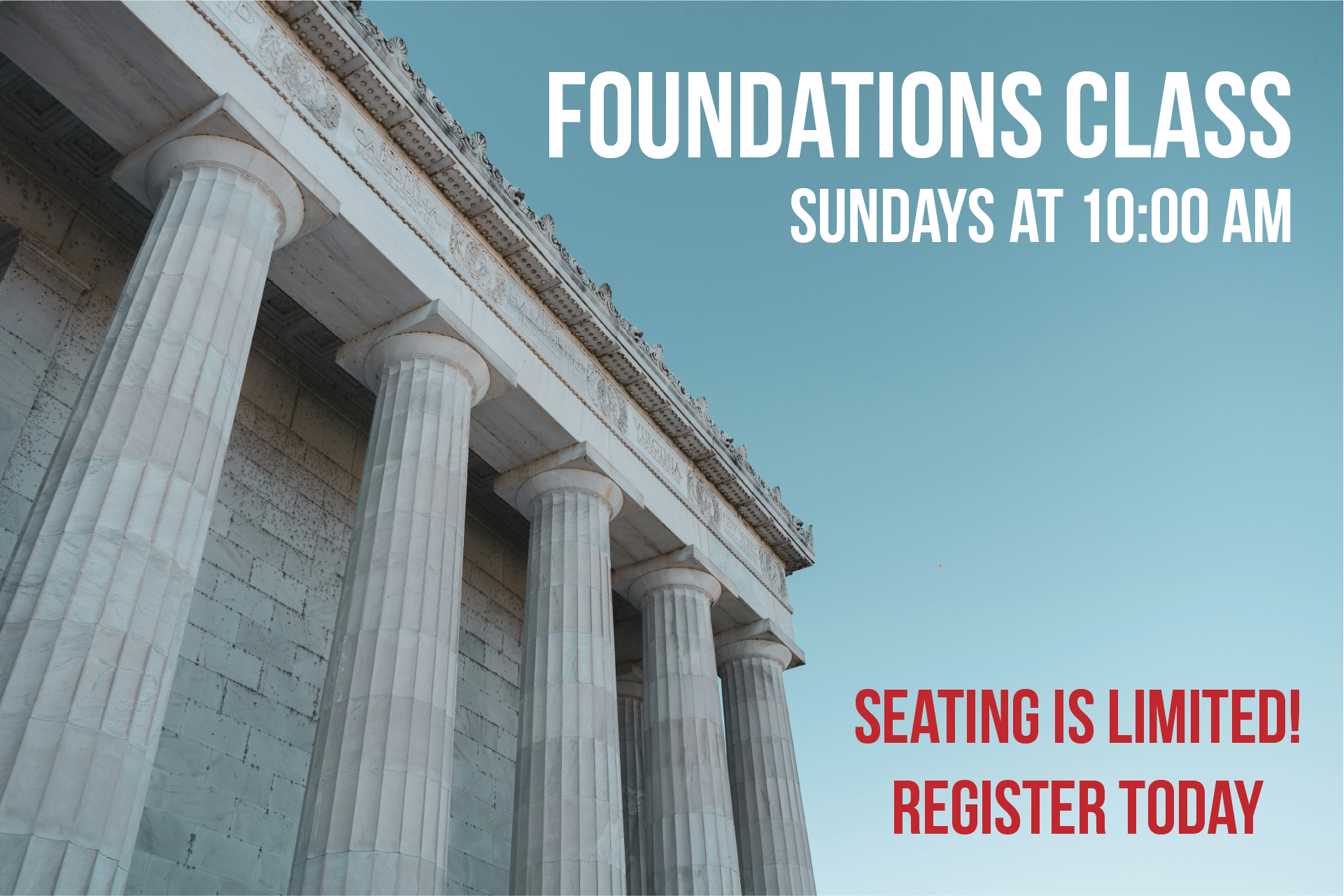
Foundations Class
This class is for those who would like to strengthen the foundation of their Biblical beliefs. It meets in a room in our basement on Sundays at 10 am and is taught by Mike Padua.

Children’s Ministries
-
![]()
Junior Children's Church
Our Junior Children’s Church service meets at 11:15 AM on Sundays. Children in grades 3-6 meet in the east children’s classroom (room 203) and are taught by Bro. Coleton Visser. Children get to sing songs together, memorize the Bible, play a game and hear a Bible lesson each week.
-
![Primary Children's Church]()
Primary Children's Church
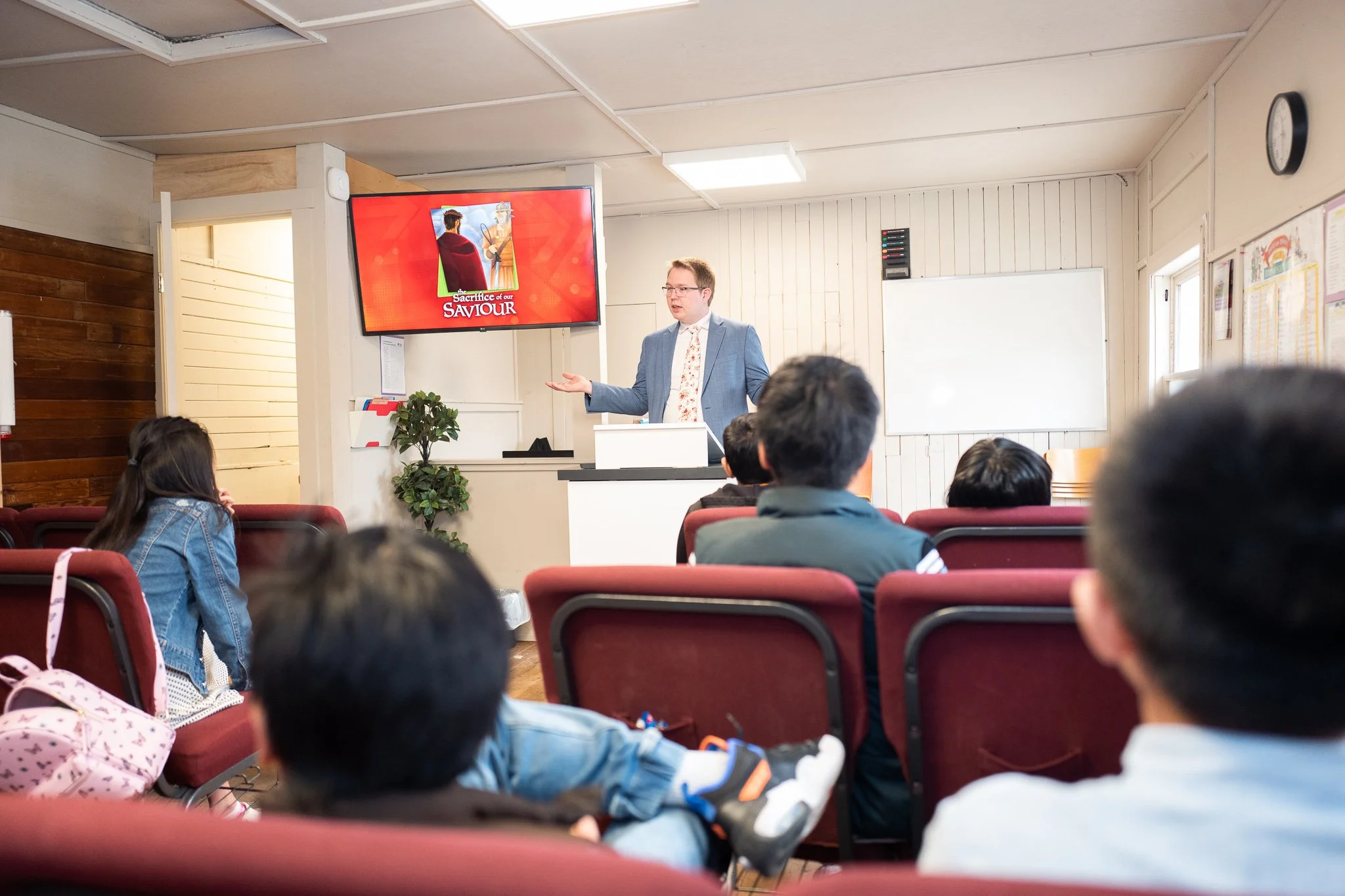
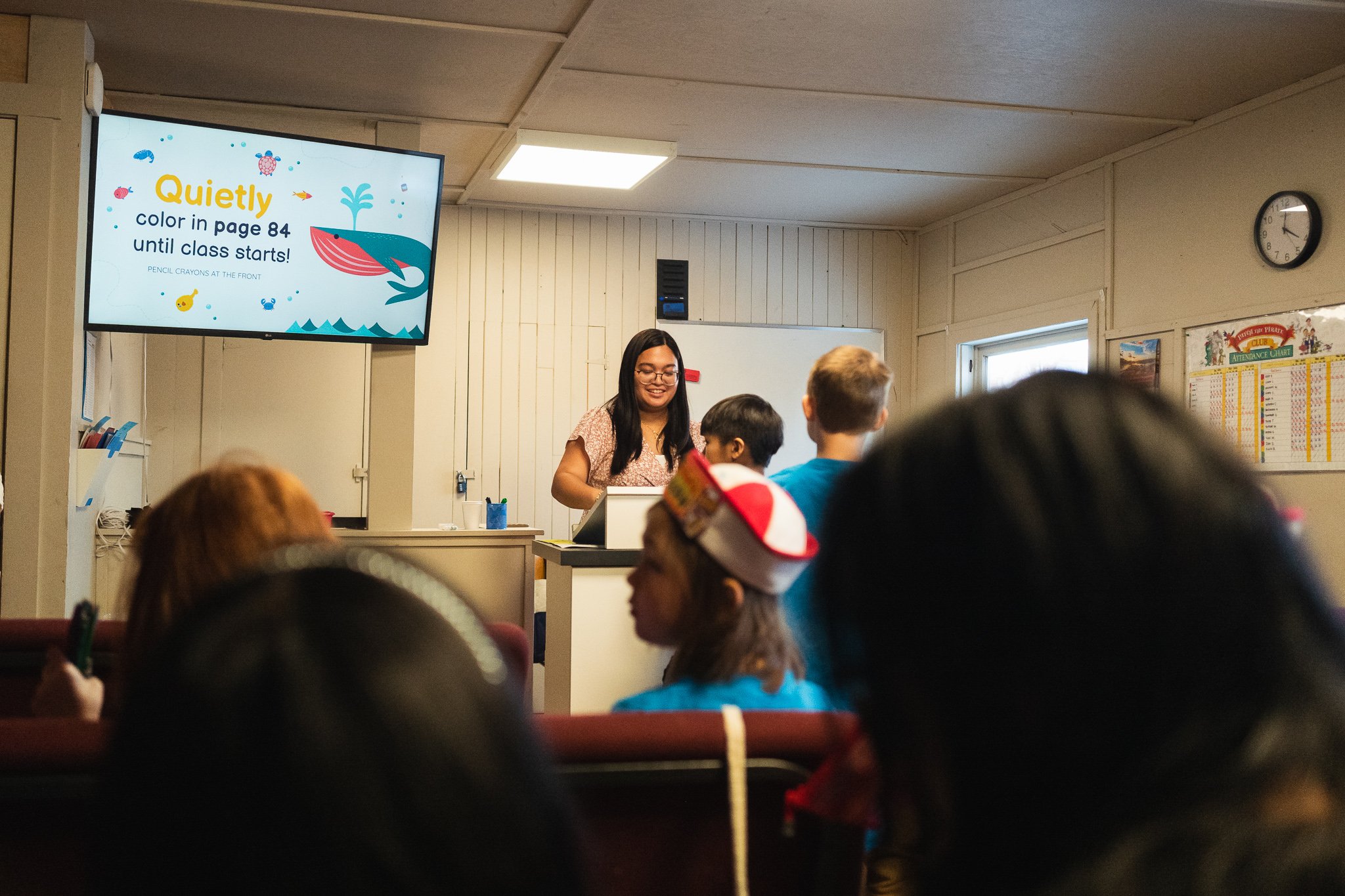
Our Primary Children’s Church service meets at 11:15 AM on Sundays. Children in grades K4-2 meet in the west children’s classroom (room 202) and are taught by Beth Delos Trinos and Teresa Anapon. Children enjoy a time to sing songs together, draw, play a game and hear a Bible lesson each week.
-
![]()
Patch The Pirate Club
Patch the Pirate Club is a weekly kids music club for children ages 4-12. Children will learn songs each week, hear a Bible lesson, and have an opportunity to share the songs they learn during one of our church services.
-
![]()
Nursery
During every service at Cornerstone there is a staffed nursery available for all children between the ages 0-4. Ladies from our church volunteer to serve in this ministry.


See what’s
Around the Corner
in this short video:
2026 Events
See all events coming up at Cornerstone Baptist Church
Add to Microsoft Outlook in Windows
Copy this link: https://calendar.google.com/calendar/ical/ujl2lkhcmvkjecom0a6btgopek%40g...
In Outlook, click File > Account Settings > Account Settings.
On the Internet Calendars tab, click New.
Paste the address you copied in step 1, by pressing CTRL+V (paste), and click Add.
In the Folder Name box, type the name of the calendar as you want it to appear in Outlook, and then click OK.
Add to Calendar in Mac OSX
Copy this link: https://calendar.google.com/calendar/ical/ujl2lkhcmvkjecom0a6btgopek%40g...
In Calendar, click File > New Calendar Subscription.
Paste the address you copied in step 1, by pressing CMD+V (paste), and click Subscribe.
In the info box, type the name of the calendar as you want it to appear in Calendar, and then click OK.